
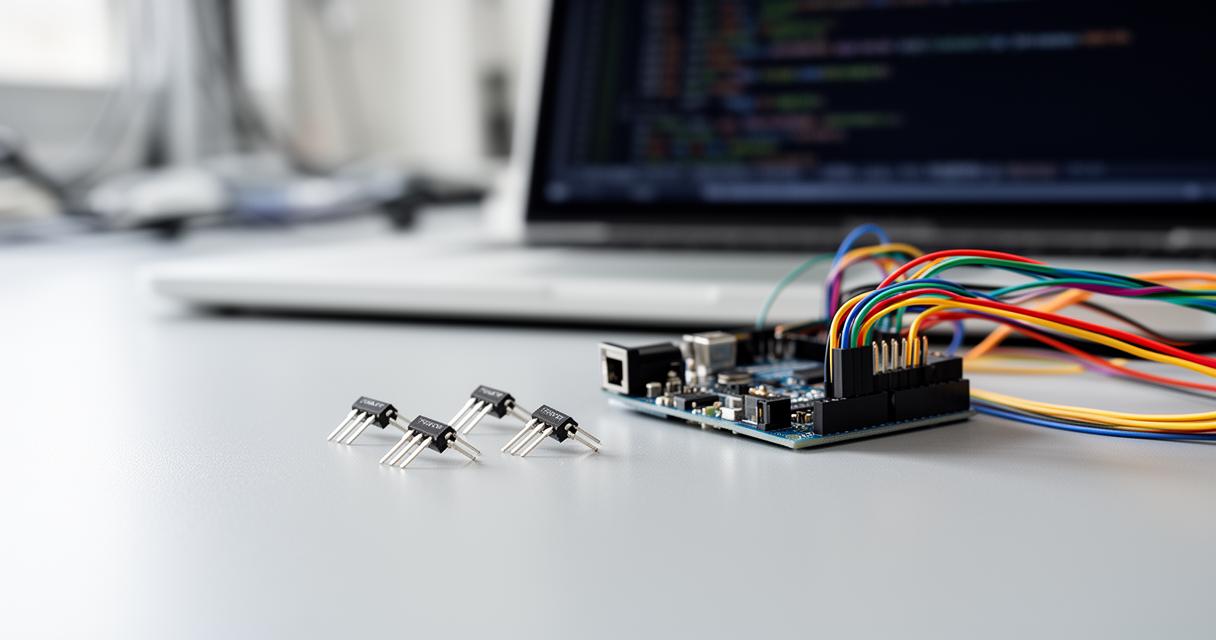
Temperature sensing has become an indispensable aspect of modern electronic projects, particularly when working with microcontrollers such as Arduino. Whether you are designing a weather station, a climate control system, or simply exploring the fundamentals of embedded electronics, understanding how to integrate and troubleshoot temperature sensors is essential. This guide delves into the LM35, LM335, and LM34 sensors, exploring their unique characteristics, proper wiring techniques, and the common pitfalls that can lead to inaccurate readings or configuration errors.
Understanding LM35, LM335, and LM34 Temperature Sensors: Functionality and Precision Measurement
The LM35, LM335, and LM34 are precision integrated circuit temperature sensors that provide a linear voltage output directly proportional to the ambient temperature. These devices have gained widespread popularity due to their simplicity, reliability, and ease of integration with digital systems. Each sensor in this family is tailored to a specific temperature scale, making them versatile tools for a variety of applications in home automation, environmental monitoring, and educational projects.
How These Analogue Sensors Output Voltage Proportional to Temperature in Celsius
The fundamental principle behind these sensors lies in their ability to convert thermal energy into an electrical signal. The LM35 is designed to output a voltage that corresponds directly to degrees Celsius, with a scaling factor of 10 millivolts per degree. This means that a reading of 345 millivolts from the sensor indicates a temperature of 34.5 degrees Celsius. The linear relationship between voltage and temperature simplifies the conversion process, as the output can be directly interpreted without the need for complex mathematical transformations or lookup tables.
The LM335 operates on a similar principle but uses the Kelvin scale, outputting 10 millivolts per Kelvin. For instance, at a temperature of 298.15 Kelvin, which is equivalent to 25 degrees Celsius, the sensor produces approximately 2.982 volts. The temperature equation governing this relationship is straightforward, with the temperature being derived from the sensor voltage through a simple linear formula where the slope is 1 Kelvin per 10 millivolts and the intercept is zero. This design ensures that at absolute zero, the sensor would theoretically output zero volts, although practical operation is limited to a more moderate range.
The LM34, in contrast, is calibrated for Fahrenheit, offering the same 10 millivolts per degree output but on a different scale. This sensor is particularly useful in regions where Fahrenheit is the standard unit of temperature measurement. Despite the differences in temperature scales, all three sensors share a common architecture and principle, making them interchangeable in many respects once the appropriate conversion factors are applied in the software.
Key Differences Between LM35, LM335, and LM34 for Arduino Projects
While the core functionality of these sensors is similar, there are notable differences that affect their suitability for specific projects. The LM35 is calibrated for Celsius and operates within a temperature range from minus 55 degrees Celsius to 150 degrees Celsius. This makes it ideal for most general-purpose applications where metric units are preferred. The sensor's output is convenient for use with microcontrollers, as the voltage can be read directly by an analogue-to-digital converter and converted into a temperature reading with minimal computation.
The LM335, calibrated in Kelvin, operates from 218 Kelvin to 423 Kelvin, which corresponds to the same Celsius range as the LM35. The Kelvin scale is absolute and does not use negative values, which can simplify certain calculations in scientific or engineering contexts. However, it requires an additional conversion step if the final output is desired in Celsius or Fahrenheit. A practical consideration when using the LM335 is the occasional need for a 2 kilohm resistor to ensure stable operation and accurate readings, especially when interfacing with systems that have variable input impedances.
The LM34, designed for Fahrenheit, spans from minus 50 degrees Fahrenheit to 300 degrees Fahrenheit, equivalent to approximately minus 45.5 degrees Celsius to 149 degrees Celsius. This sensor is less commonly used outside of applications specifically requiring Fahrenheit output, but it offers the same precision and reliability as its counterparts. The choice between these sensors often comes down to the preferred unit of measurement and the specific requirements of the project, such as operating temperature range and ease of integration with existing systems.
Proper Arduino Wiring and pinMode Configuration for Temperature Sensors
Correct wiring is the foundation of any successful sensor integration. The LM35, LM335, and LM34 sensors are relatively straightforward to connect, requiring only three pins: VCC for power, Vout for the analogue output, and GND for the ground connection. The simplicity of this wiring scheme reduces the likelihood of errors, but attention to detail is still crucial to avoid issues such as incorrect voltage references or intermittent connections.
Connecting sensor output pins to arduino uno analogue input pins correctly
The output pin of the sensor should be connected to one of the analogue input pins on the Arduino Uno, typically labelled A0 through A5. These pins are equipped with a 10-bit analogue-to-digital converter that translates the continuous voltage signal from the sensor into a discrete digital value ranging from 0 to 1023. The power supply pin, VCC, is connected to the 5-volt output on the Arduino, while the ground pin is linked to one of the GND pins on the board. This setup ensures that the sensor operates within its specified voltage range and that the reference voltage for the ADC is consistent.
One of the most common sources of inaccuracy in temperature measurements is the assumption that the Arduino's 5-volt rail is precisely 5 volts. In reality, the voltage supplied via USB or an external power source can vary, often falling between 4.8 and 5.2 volts. This variation directly affects the ADC's reference voltage, leading to systematic errors in the temperature readings. For example, if the actual supply voltage is 4.8 volts but the code assumes 5 volts, the calculated temperature will be slightly higher than the true value. To mitigate this issue, it is advisable to measure the actual supply voltage with a multimeter and adjust the conversion factor in the code accordingly, or to use a more stable voltage reference if high precision is required.
Another important consideration is the stability of the power supply. Voltage disruptions caused by other devices connected to the Arduino or fluctuations in the USB power can introduce noise into the sensor readings. Using a dedicated power supply or incorporating decoupling capacitors near the sensor can help stabilise the voltage and improve measurement reliability. Additionally, ensuring that the wiring is secure and that there are no loose connections will prevent intermittent readings that can be difficult to diagnose.
Common pinMode Mistakes and How to Configure Input Pins Properly
A frequent source of confusion for beginners working with Arduino is the correct configuration of input pins. Unlike digital input pins, which require explicit configuration using the pinMode function to set them as INPUT or INPUT_PULLUP, analogue input pins do not require pinMode to be called before use. The analogRead function automatically treats the specified pin as an input, so setting pinMode for an analogue pin is redundant and can sometimes lead to unexpected behaviour, particularly if the pin is inadvertently configured as an output.
However, misunderstandings about pinMode often arise when users transition from digital to analogue input or when adapting code from other projects. Some developers, out of an abundance of caution or habit, include pinMode statements for analogue pins, which, while not harmful in most cases, can create confusion and clutter in the code. It is important to understand that the Arduino's analogue pins are inherently high-impedance inputs designed to measure voltage without drawing significant current, and they do not require any special setup beyond the analogRead call itself.
In cases where a digital pin is used to control the sensor's power supply or to interface with additional circuitry, pinMode must be correctly configured. For instance, if a digital pin is used to enable or disable the sensor, it should be set as OUTPUT. Conversely, if a digital pin is reading a signal from the sensor, it should be set as INPUT. Mixing up these configurations can result in the sensor not functioning as expected, with symptoms ranging from no output to erratic readings. Careful attention to the pin assignments and their roles in the circuit is essential to avoid these pitfalls.
Coding Best Practices: Reading and Converting Sensor Values with analogRead
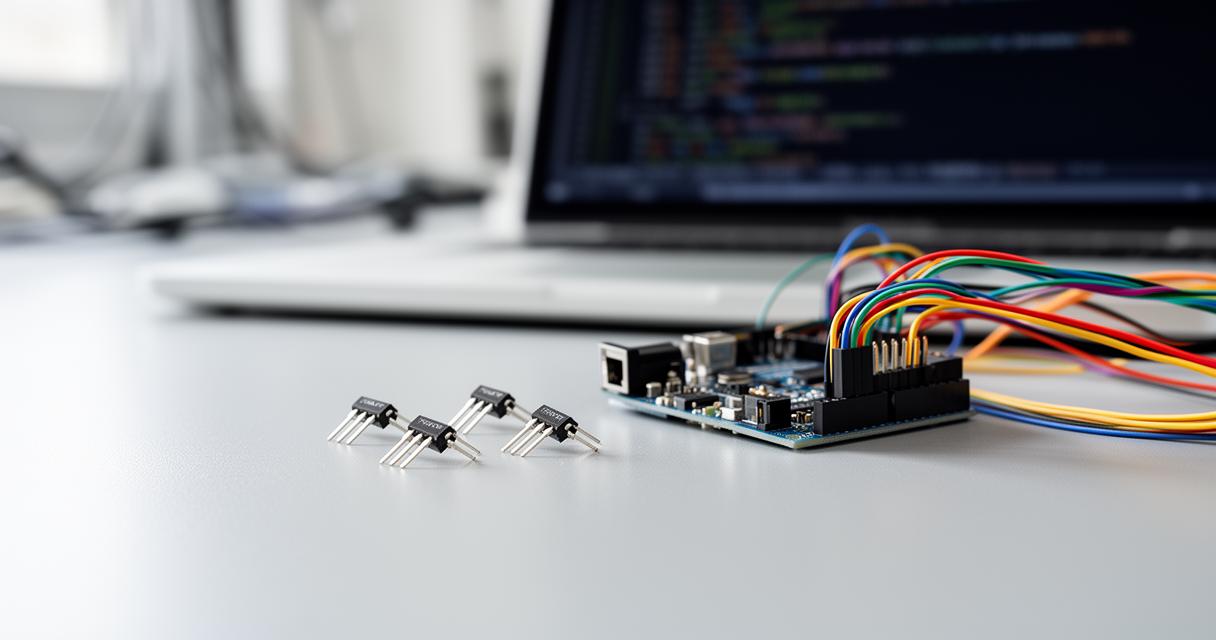
Once the hardware is correctly wired, the next step is to write robust code that accurately reads and interprets the sensor output. The Arduino programming environment provides the analogRead function, which retrieves the current value from the specified analogue pin. This value is an integer between 0 and 1023, representing the voltage at the pin as a fraction of the reference voltage. Converting this raw value into a meaningful temperature reading requires an understanding of the sensor's characteristics and the ADC's operation.
Using Float Conversion for Accurate Temperature Readings and Serial Communication Setup
To obtain an accurate temperature measurement, the raw ADC value must be converted into a voltage and then into a temperature using the sensor's scaling factor. For the LM35, the voltage in millivolts can be calculated by multiplying the ADC value by the reference voltage and dividing by 1024, which is the number of possible ADC values. This voltage is then converted to degrees Celsius by dividing by 10, as the sensor outputs 10 millivolts per degree. Using floating-point arithmetic is crucial at this stage to preserve the precision of the measurement, as integer division would discard the fractional part of the result.
For example, if the analogRead function returns a value of 345, and the reference voltage is 5 volts, the voltage at the sensor output is approximately 1686 millivolts. Dividing this by 10 yields a temperature of 168.6 degrees Celsius, which is clearly incorrect and indicates an error in the calculation or wiring. In practice, the value returned by analogRead for a room temperature of about 25 degrees Celsius would be closer to 51, corresponding to approximately 250 millivolts. This discrepancy highlights the importance of verifying each step of the calculation and ensuring that the units are consistent throughout.
Serial communication is an invaluable tool for debugging and monitoring sensor readings. The Serial.begin function initialises the serial port at a specified baud rate, commonly 9600 bits per second, allowing data to be transmitted from the Arduino to a connected computer. In the setup function, this initialisation is performed once, and in the loop function, the temperature reading is printed to the serial monitor at regular intervals, typically every second. This continuous stream of data enables real-time observation of the sensor's output and facilitates the identification of anomalies or trends in the measurements.
In addition to displaying the temperature in Celsius, the code can be extended to calculate and display the equivalent temperature in Fahrenheit or Kelvin. The conversion from Celsius to Fahrenheit involves multiplying by 9, dividing by 5, and adding 32, while the conversion to Kelvin requires adding 273.15. These additional outputs can be useful in applications where multiple temperature scales are relevant or where the data needs to be presented in a format familiar to the end user. By incorporating these conversions into the code, the versatility of the sensor is greatly enhanced.
Integrating DHT Modules for Combined Temperature and Humidity Monitoring
While the LM35, LM335, and LM34 sensors are excellent for temperature measurement, many projects benefit from the simultaneous monitoring of both temperature and humidity. The DHT11 and DHT22 modules are popular choices for this purpose, offering combined sensing capabilities in a compact, affordable package. These digital sensors communicate with the Arduino using a single-wire protocol, simplifying the wiring and reducing the number of pins required. Integrating a DHT module alongside an LM-series sensor can provide comprehensive environmental data, which is particularly useful in applications such as weather stations, greenhouse monitoring, and smart home systems.
To use a DHT sensor with Arduino, it is necessary to install the appropriate libraries, such as the Adafruit DHT sensor library, which provides convenient functions for reading temperature and humidity values. The library handles the low-level communication protocol, allowing the developer to focus on the application logic. The DHT sensor's output is digital, so there is no need for analogue-to-digital conversion, and the readings are less susceptible to noise and voltage variations. However, the DHT sensors have a slower response time compared to the LM-series sensors, typically updating once every two seconds, which may be a consideration in time-sensitive applications.
Combining an LM-series sensor with a DHT module can also serve as a form of cross-validation, where the temperature readings from both sensors are compared to detect discrepancies that might indicate a fault or calibration issue. If the two sensors consistently report different temperatures, it may be necessary to investigate the wiring, power supply, or environmental conditions to identify the source of the error. This redundancy can improve the overall reliability of the system and provide greater confidence in the accuracy of the data.
For projects that require visual feedback, an OLED display can be connected to the Arduino to show real-time temperature and humidity readings. Libraries such as Adafruit_SSD1306 and Adafruit_GFX provide the necessary functions to control the display, rendering text and graphics with ease. The combination of sensor data and a visual interface creates a user-friendly device that can be deployed in a variety of settings, from educational demonstrations to practical monitoring solutions. The compact size and low power consumption of OLED displays make them an ideal choice for portable or battery-powered applications.
In conclusion, mastering the use of LM35, LM335, and LM34 temperature sensors with Arduino involves understanding their operational principles, ensuring correct wiring and configuration, and implementing robust code to accurately read and interpret sensor data. By addressing common issues such as voltage output errors and pinMode configuration mistakes, developers can create reliable and precise temperature measurement systems. Whether used alone or in combination with other sensors like the DHT modules, these temperature sensors offer a powerful and flexible foundation for a wide range of electronic projects.